RiseFrst
Built for consistent mornings

Turn mornings into momentum.

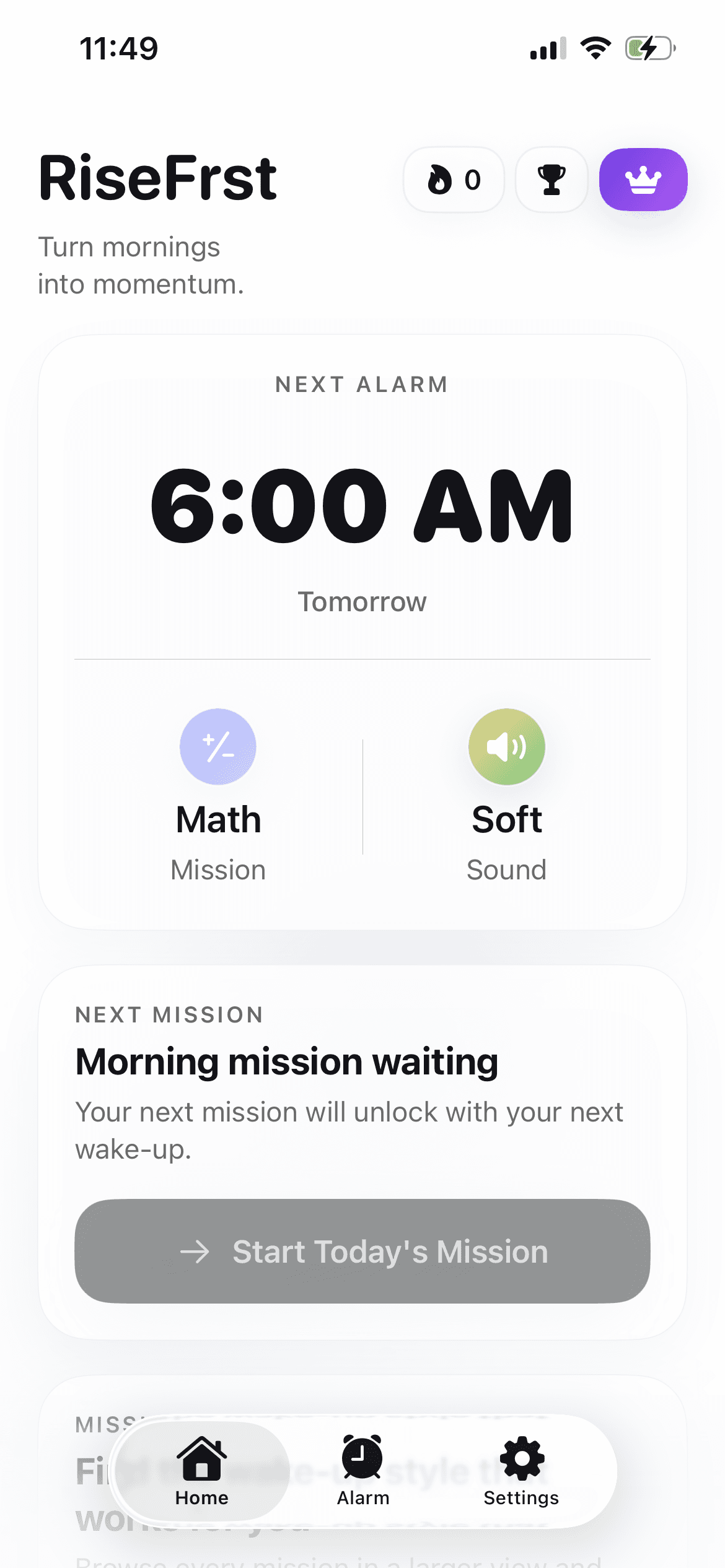
RiseFrst is an iPhone alarm app that uses mission-based alarms to help you stop snoozing, get out of bed, and follow through on activities you've planned.

Download on the App Store
RiseFrst home screen showing the next alarm and mission
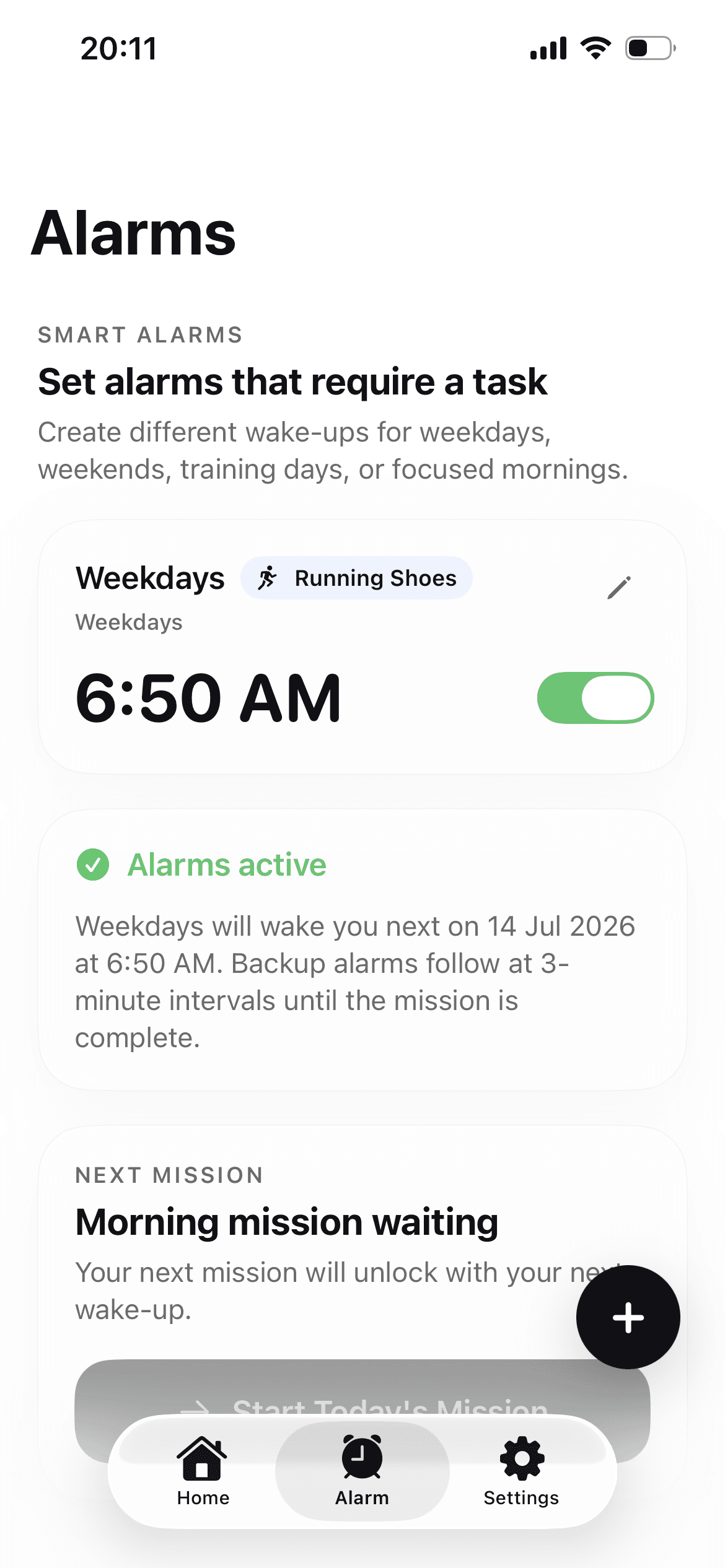
RiseFrst alarms screen
How it works

Three steps to your first better morning

Set it up tonight. Wake up with purpose tomorrow.

01
RiseFrst alarm setup screen

Set your alarm

Choose a wake-up time, sound, and mission for weekdays, weekends, or focused mornings.

02
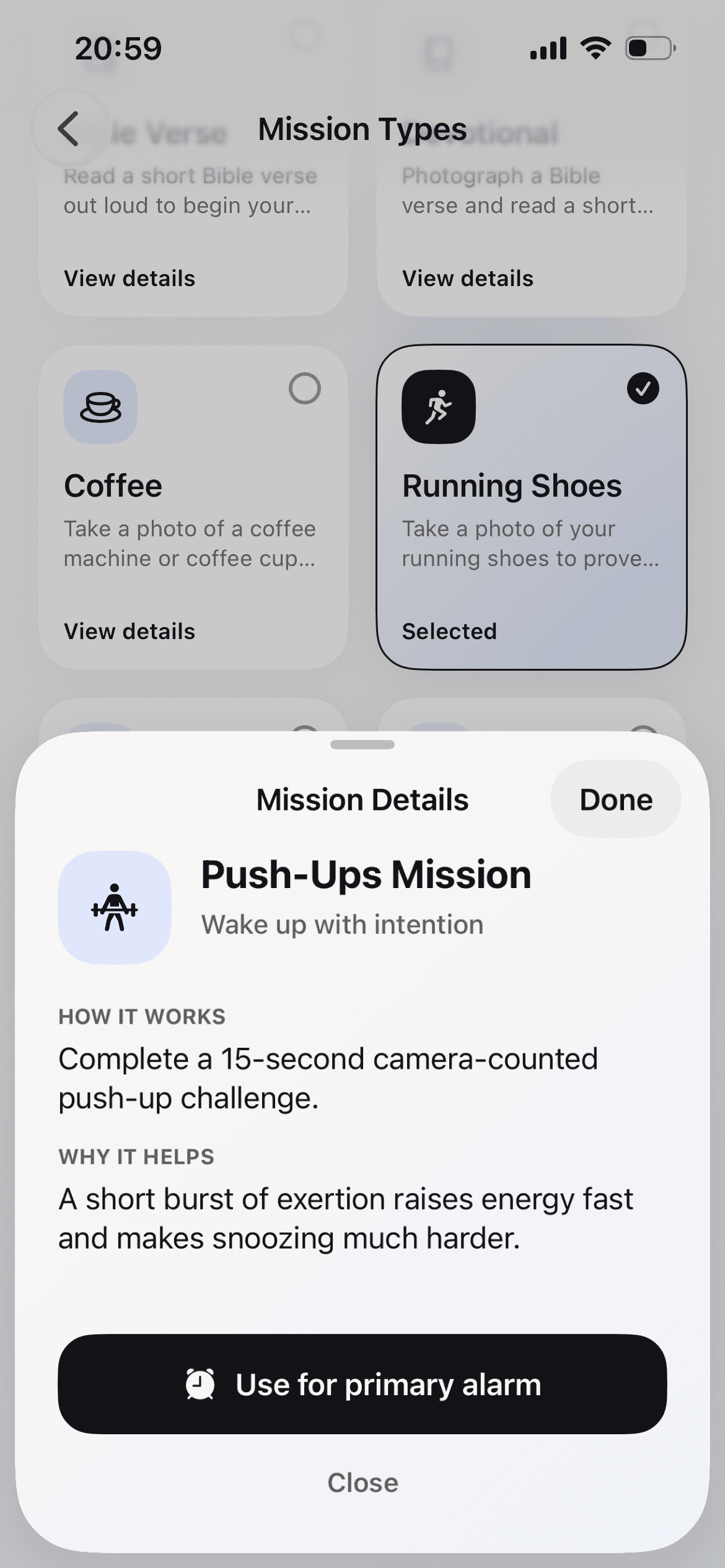
RiseFrst mission type selection screen

Complete the mission

Photo-based tasks like running shoes, coffee, or sky checks make snoozing harder to fake.
03
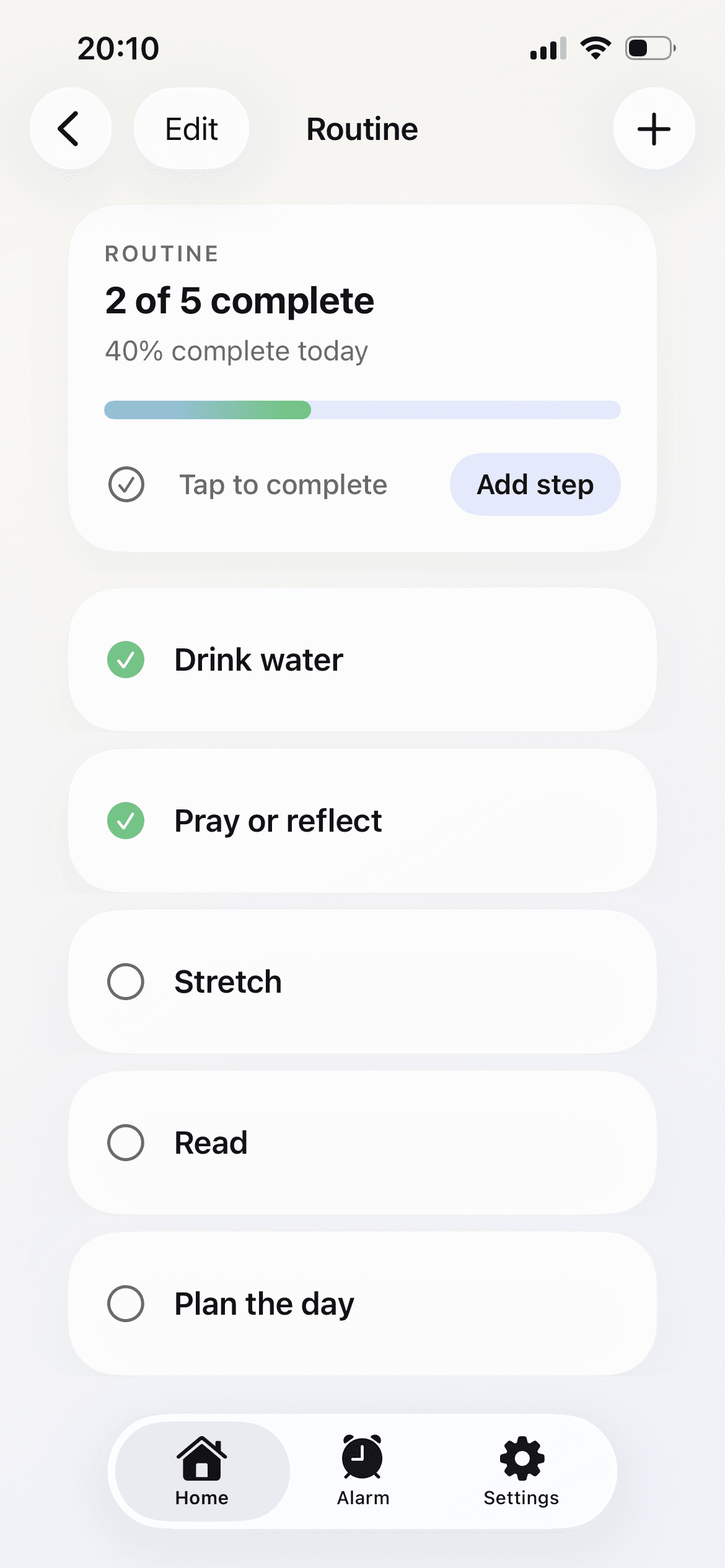
RiseFrst morning routine screen

Build the routine

Turn the first few awake minutes into momentum with simple steps for your morning.

Beyond the alarm

Built to keep you consistent

A

Smart alarms

Create different wake-ups for weekdays, weekends, training days, or deep-focus mornings.

M

Photo missions

Require a real-world check before the alarm is done, from shoes to coffee to the morning sky.

R

Routine builder

Stack small actions after wake-up so your morning has a shape before the day gets loud.

S

Streaks and progress

See consistency build over time and keep the chain going with visible wake-up momentum.

Simple pricing

Choose a plan for more consistent mornings

RiseFrst is downloaded through the Apple App Store. Choose a monthly or yearly subscription option, then manage your subscription through Apple.

Monthly

$7.99/month

A flexible month-to-month RiseFrst subscription.

Yearly

$49.99/year

A yearly RiseFrst subscription for consistent mornings.

Download on the App Store

Download RiseFrst on the App Store to view and manage the subscription options.

Morning system

Your alarm should do more than make noise.

RiseFrst links the wake-up moment to action: a mission to prove you are moving, then a routine to guide what happens next.

RiseFrst routine progress screen
RiseFrst smart alarms screen
Got questions?

FAQ

What is RiseFrst?
RiseFrst is an iPhone alarm app that uses mission-based alarms to help you stop snoozing, get out of bed, and follow through on planned activities. The app combines alarms, wake-up missions, morning routines, and progress tracking.
How does RiseFrst help me stop snoozing?
RiseFrst makes your alarm harder to dismiss by requiring a real-world wake-up mission before the morning is complete. The mission is designed to get you out of bed and moving instead of repeatedly snoozing.
What are alarm missions?
Alarm missions are real-world tasks connected to a RiseFrst alarm. You complete the selected mission, such as taking a photo of an object, before the wake-up process is complete.
What types of missions does RiseFrst support?
RiseFrst supports photo-based missions involving objects or places such as running shoes, coffee, a surfboard, or the morning sky. These missions are intended to get you upright and moving.
Does RiseFrst work on iPhone?
Yes. RiseFrst is an iPhone app downloaded through the Apple App Store. The public website currently focuses on iPhone and does not list an Android download.
How much does RiseFrst cost?
RiseFrst is listed at $7.99 per month or $49.99 per year in USD. Subscriptions are downloaded and managed through the Apple App Store.
Is there a free trial?
The public RiseFrst website does not currently confirm whether a free trial is offered. Check the App Store listing for the current subscription terms and any trial offer.
Do I need an internet connection?
The public website does not document whether every RiseFrst feature works without an internet connection. The Privacy Policy says photos and other information used for wake-up missions may be uploaded, processed by service providers, or stored on the device depending on the feature.
Can RiseFrst help with activities other than waking up?
RiseFrst is primarily described as a wake-up and morning-routine app. It supports different alarm setups for weekdays, weekends, training days, or focused mornings, but the public site does not describe it as a general-purpose activity reminder.
Where can I download RiseFrst?
You can download RiseFrst from the Apple App Store at https://apps.apple.com/us/app/risefrst-wake-up-alarm/id6789145975.