

September 10, 2026 · RiseFrst
Daily Planner App iPhone: Build Your Best Morning Routine
Discover how iPhone daily planner apps complement your wake-up routine. Learn to choose the right planner to turn early mornings into productive momentum.
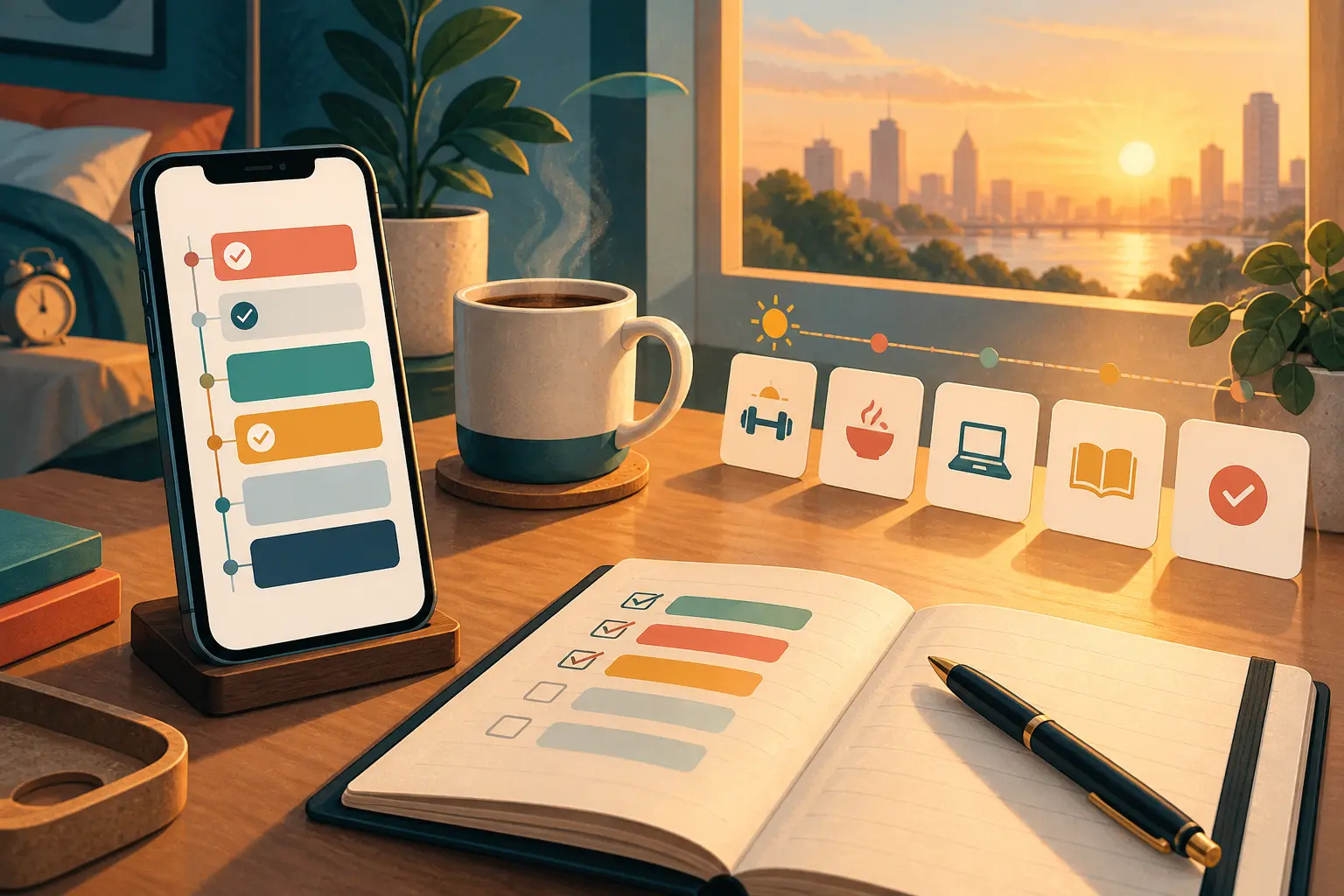
Beyond Alarms: Finding Your Perfect Daily Planner App for iPhone
You've finally conquered the snooze button. You're out of bed on time, ready to take on the day. But then what? That critical gap between waking up and actually starting your productive morning can derail even the best intentions. This is where a daily planner app for iPhone becomes an essential companion to your morning routine.
For iPhone users struggling with oversleeping or inconsistent mornings, the challenge isn't just about getting out of bed—it's about creating a seamless transition from alarm to action. While a powerful wake-up tool gets you vertical, a well-chosen planner app gives you direction, structure, and the clarity you need to maintain momentum throughout your day.
In this guide, we'll explore how daily planner apps work hand-in-hand with consistent wake-up habits, what features matter most for building morning consistency, and how to choose the right planning solution that transforms your iPhone into a complete productivity system.
Why a Daily Planner App is Your Morning Routine's Best Friend
The most successful mornings aren't accidental—they're planned. Research from Harvard Business Review confirms that establishing consistent routines can significantly boost productivity and reduce decision fatigue. A daily planner app for iPhone serves as the natural extension of your wake-up routine, bridging the gap between opening your eyes and taking meaningful action.
When you use a mission-based alarm system like RiseFrst to ensure you're genuinely out of bed, your planner becomes the roadmap for what happens next. Instead of wandering aimlessly through your morning or defaulting to scrolling social media, you have a clear plan waiting on the same device that woke you up.
The beauty of digital planning on iPhone lies in its accessibility. Your phone is likely the first thing you interact with each morning anyway—why not make that interaction productive? A well-structured planner app transforms those crucial first moments into focused intention-setting, helping you define priorities before distractions take hold.
Consistency breeds habit, and habits are formed through repetition and cue-reward loops. When your planner is easily accessible on your iPhone, you're more likely to reference it throughout the day, reinforcing the productive patterns you're trying to establish. This consistent engagement creates a feedback loop that strengthens your entire morning routine.
For those battling oversleeping tendencies, a planner app also provides accountability. When you can see yesterday's incomplete tasks staring back at you, it creates natural motivation to wake up earlier and follow through. The visual representation of your goals makes abstract intentions concrete and actionable.
Key Features to Look for in an iPhone Daily Planner for Consistent Mornings
Not all planner apps are created equal, especially when your primary goal is reinforcing morning consistency and building productive momentum. The right daily planner app for iPhone should complement your wake-up routine with specific features designed to support follow-through.
Morning-Focused Task Organization
Look for apps that allow you to separate morning tasks from the rest of your day. The ability to create distinct morning routines or time-blocked sections helps you visualize exactly what needs to happen in those critical first hours. Some planners offer customizable templates for recurring morning activities, saving you the mental energy of rebuilding your routine each day.
Smart Reminders and Notifications
Your planner should work with you, not against you. Intelligent notification systems that remind you of morning tasks at optimal times help maintain momentum after you've gotten out of bed. However, these reminders should be purposeful—too many notifications create noise that you'll eventually ignore. Choose apps that let you fine-tune when and how you're reminded of specific tasks.
Progress Tracking and Streaks
Motivation thrives on visible progress. Planner apps that track completion streaks or visualize your consistency over time provide the same psychological boost as tracking your wake-up success with RiseFrst. Seeing a 30-day streak of completed morning routines creates powerful incentive to maintain your momentum.
Calendar Integration
Your planner should provide a complete picture of your day. Seamless integration with iPhone's native calendar or other calendar services ensures your morning tasks align with your broader schedule. This holistic view prevents overcommitment and helps you plan realistic morning routines that set you up for success.
Offline Accessibility
Morning internet connectivity isn't always reliable. The best iPhone planner apps function fully offline, ensuring your planned routine is accessible whether you're at home, traveling, or in areas with poor connection. Your morning structure shouldn't depend on Wi-Fi.
Quick Capture Features
Insights and tasks often occur at inconvenient times. Apps with quick-capture widgets or Siri integration let you add items to your planner without disrupting your current focus. This frictionless input ensures good ideas don't get lost in the rush of your morning.
Integrating Your Planner App with Your Wake-Up Routine: A Seamless Start
The most powerful productivity systems emerge when your wake-up and planning tools work in harmony. Creating this integration doesn't require complex technical setup—it's about establishing intentional workflows that connect getting up with taking action.
Start by treating your planner review as a non-negotiable morning mission. If you're using a mission-based alarm approach, make checking your daily planner one of your required activities. This creates an automatic trigger: alarm goes off, you complete your wake-up mission, and you immediately review your plan for the day.
Timing matters significantly. Review your planner within the first 15 minutes of waking, while your mind is still clear and before decision fatigue sets in. This early engagement transforms planning from a task you'll "get to eventually" into a foundational element of your morning.
Consider a two-part planning approach: evening preparation and morning review. Spend five minutes each evening organizing your planner for the next day, then use your morning review to verify priorities and adjust based on your current energy and circumstances. This combination provides structure while maintaining flexibility.
Your iPhone's screen time and notification settings can reinforce this integration. Set up Focus modes that activate during your morning routine, limiting distractions while ensuring your planner notifications come through. This creates a distraction-free environment where your planning tool remains accessible without competing against social media or email for attention.
The physical placement of your phone matters too. If you're using strategies to ensure you get out of bed completely, position your phone where you'll naturally interact with your planner. Many successful morning routines involve leaving the phone in a specific location that requires you to physically move to a designated planning space.
Beyond To-Do Lists: How Planner Apps Build Momentum and Motivation
The distinction between a simple to-do list and a true daily planner app lies in how it supports your broader goals and maintains motivation. The best planners don't just track tasks—they actively help you build the momentum that turns individual mornings into lasting habits.
Contextual Task Management
Effective planners allow you to organize tasks by context—location, energy level, or time of day. This contextual approach means your morning tasks are grouped together, creating clear focus rather than overwhelming you with an undifferentiated list of everything you need to do. When you see "Morning Routine" as a distinct category, it reinforces the importance of those activities and makes them feel more manageable.
Goal Connection
Tasks feel more meaningful when connected to larger goals. Planner apps that link daily activities to weekly or monthly objectives help you understand why your morning routine matters. When you see how today's morning workout contributes to your quarterly fitness goal, it creates intrinsic motivation that an isolated task never could.
Reflection and Journaling Features
Many advanced planners include reflection prompts or journaling capabilities. These features transform your planner from a task manager into a growth tool. Morning journaling about yesterday's wins or today's intentions creates a ritual that deepens your commitment to consistency.
Visual Progress Indicators
Humans respond powerfully to visual feedback. Planners that use progress bars, completion percentages, or visual calendars showing your consistency create satisfying proof of your efforts. This visual reinforcement activates the same reward systems that make streak tracking so effective, encouraging you to maintain your morning momentum.
Flexibility Without Chaos
The best planners balance structure with adaptability. Life happens—some mornings won't go as planned. Apps that allow easy rescheduling without destroying your carefully crafted routine help you maintain consistency even when circumstances change. This flexibility prevents the all-or-nothing thinking that causes people to abandon routines entirely after one disrupted morning.
Choosing the Right Daily Planner App to Conquer Oversleeping and Boost Productivity
With hundreds of planner apps available for iPhone, selecting the right one for your morning routine requires understanding your specific needs and how different apps address them.
Assess Your Current Morning Challenges
Start by identifying your biggest morning obstacles. If you struggle with following through after waking up, prioritize apps with strong morning routine features and time-blocking. If motivation is your challenge, focus on planners with robust progress tracking and streak features. Your specific pain points should guide your selection.
Consider Your Planning Style
Some people thrive with minimalist, simple planners that reduce cognitive load. Others need comprehensive systems with multiple views and detailed categorization. Consider whether you prefer visual planning (calendars, time blocks) or list-based approaches. According to Forbes, digital planners offer flexibility and integration that appeal to tech-savvy users, but the specific interface should match your natural thinking style.
Test the Morning Experience
Before committing to any planner, test its morning workflow. How many taps does it take to see your morning tasks? Can you access your plan quickly from your lock screen? Is the morning view cluttered or clear? The best planner app is the one you'll actually use every morning, and friction in the morning experience kills consistency.
Evaluate Integration Capabilities
Your planner should work with your existing tools, not against them. Check compatibility with your calendar app, whether it syncs across devices (if you use multiple Apple products), and if it integrates with other productivity tools you rely on. A planner that exists in isolation creates more work, not less.
Popular Options Worth Considering
While specific recommendations depend on individual needs, several categories serve different morning-focused users well:
- Minimalist Task Managers: Simple, friction-free apps that reduce decision fatigue with clean interfaces and quick task entry
- Time-Blocking Planners: Visual, calendar-based apps that help you see your morning schedule at a glance
- Habit-Focused Apps: Planners that emphasize routine building and streak tracking, complementing wake-up consistency
- Comprehensive Productivity Systems: Full-featured apps that combine tasks, goals, projects, and calendars for users who want one central hub
The Free vs. Paid Decision
Many excellent planner apps offer free versions with core functionality, while premium features unlock with subscriptions. For morning routine building, evaluate whether free features cover your essential needs. Often, basic task management and morning organization don't require premium tiers, but features like advanced tracking, unlimited tasks, or custom categories might justify the investment if they significantly improve your consistency.
Trial Periods and Commitment
Give any new planner at least two weeks of genuine daily use before judging effectiveness. The first few days always feel clunky as you learn the interface and establish new habits. Consistency matters more than perfection—a moderately good planner you use every day beats a theoretically perfect one that feels too complex to maintain.
Making Your Morning Planning Stick
Choosing the right daily planner app for iPhone is just the beginning. The real transformation happens when you integrate it seamlessly with your wake-up routine, creating an unbreakable morning system.
Remember that your planner is a tool, not a solution. It works best when paired with a reliable wake-up method that ensures you're actually conscious to use it. When you combine the accountability of a mission-based alarm like RiseFrst with the structure of a well-chosen planner, you create a complete morning system that addresses both the challenge of getting up and the challenge of following through.
Start small. Don't try to plan every minute of your day from the beginning. Begin with three essential morning tasks, build consistency around those, then gradually expand. This incremental approach prevents overwhelm and gives you early wins that build confidence and momentum.
Your morning routine and planning system should evolve as you do. Regularly assess what's working and what isn't. If certain features aren't adding value, simplify. If you find yourself needing more structure in specific areas, adjust accordingly. The best system is the one that adapts to support your growth.
The journey from chronic oversleeping to consistent, productive mornings isn't about finding a single perfect tool—it's about creating an ecosystem of supportive habits and technologies. Your planner app is one crucial piece of that ecosystem, providing the structure and direction that transforms early wake-ups from painful interruptions into launching pads for your best days.
Frequently Asked Questions
Can a daily planner app really help me stop hitting snooze?
While a planner app alone won't physically get you out of bed, it provides critical motivation and structure for what happens after you wake up. When you can see a clear, manageable plan waiting for you, mornings feel less overwhelming and you have a compelling reason to get up. Planners work best when combined with an effective wake-up system that ensures you're actually out of bed to use them.
What's the difference between a calendar app and a daily planner app?
Calendar apps focus on time-based events and appointments, showing what's happening when. Daily planner apps emphasize task management, priorities, and routines—the actions you need to complete regardless of specific timing. The best morning systems often use both: calendars for scheduled commitments and planners for flexible routines and to-do items. Many planner apps integrate with calendars to provide a complete view.
How many tasks should I plan for my morning routine?
Start with 3-5 essential morning tasks and build from there. Research on habit formation shows that simple, repeatable routines are more sustainable than complex ones. Your morning plan should feel motivating, not overwhelming. As consistency improves, you can gradually add more elements, but prioritize quality over quantity—completing fewer tasks consistently beats planning too many and accomplishing none.
Should I plan my morning the night before or when I wake up?
The most effective approach combines both: rough planning the evening before and quick review upon waking. Evening planning reduces morning decision fatigue and ensures you wake with direction. Morning review allows you to adjust based on how you feel and any overnight changes. This two-step process provides structure while maintaining flexibility for real-world conditions.
Do I need a paid planner app or will free options work?
Many free planner apps offer everything needed for basic morning routine management: task lists, simple reminders, and progress tracking. Paid features often add conveniences like unlimited tasks, advanced views, or premium integrations. Start with free versions to establish your planning habit, then upgrade only if you identify specific limitations that genuinely hinder your consistency. The best planner is the one you'll actually use daily, regardless of cost.
Ready to transform your mornings from chaotic to consistent? While the right planner app provides structure for your day, it works best when paired with a wake-up system that ensures you're actually out of bed to use it. Download RiseFrst to build mission-based alarms that get you up and moving, then let your planner guide you through your most productive mornings yet. Your best day starts with your best wake-up.