

August 31, 2026 · RiseFrst
Light Sleep Wake Up App: Wake Refreshed with RiseFrst
Discover how light sleep wake-up apps work and why RiseFrst combines smart alarm technology with mission-based motivation to help you wake refreshed and build momentum.
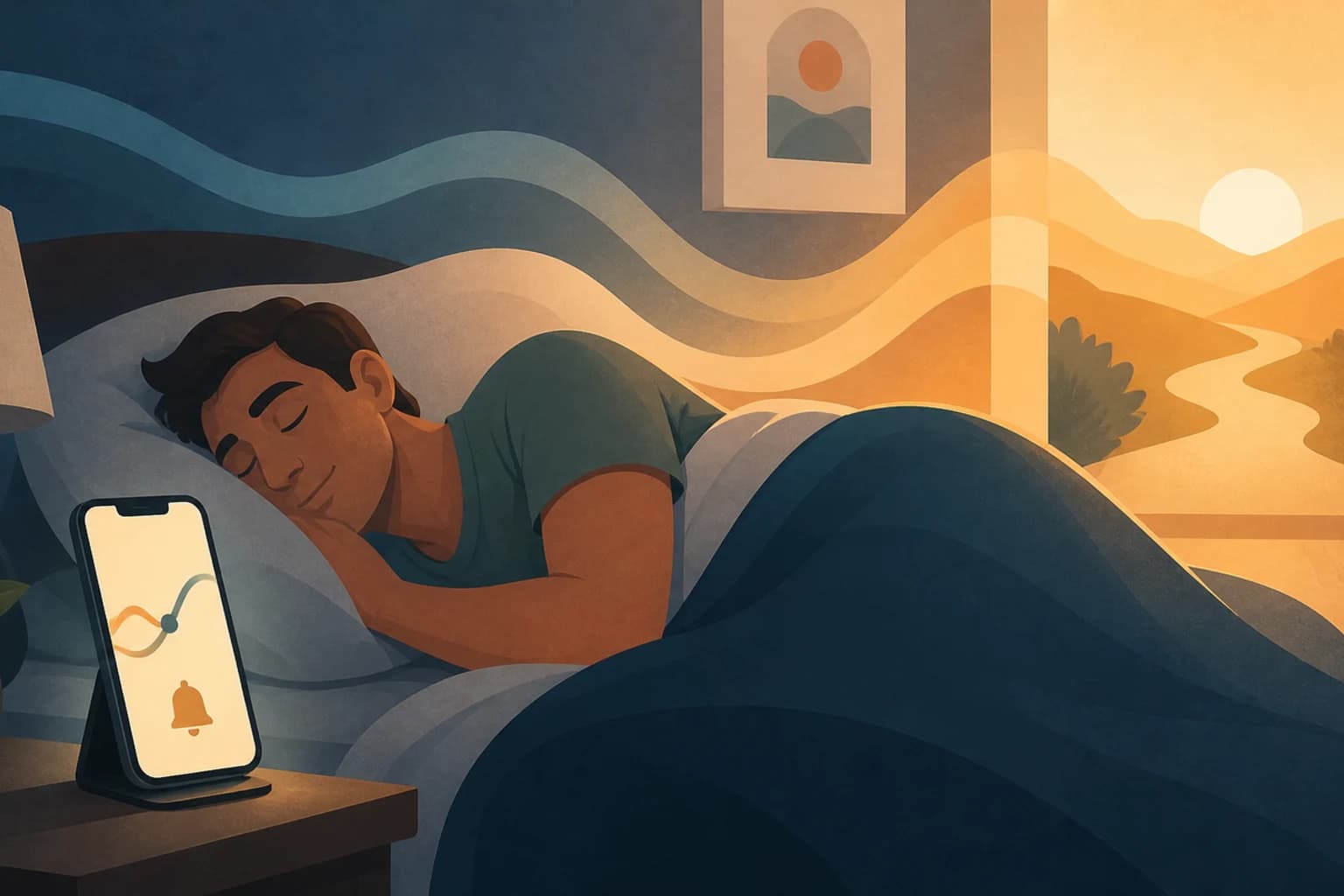
Wake Up Refreshed: How RiseFrst Helps You Wake During Light Sleep
That groggy, disoriented feeling when your alarm jolts you awake—you know the one. You're pulled from deep sleep, your brain is foggy, and the snooze button becomes irresistibly tempting. It's a frustrating way to start your day, especially when you're trying to build consistent morning habits and establish real momentum.
This common struggle has led many iPhone users to explore light sleep wake-up apps, which promise a gentler, more natural wake experience. These apps work by monitoring your sleep patterns and timing your alarm to sound when you're in your lightest sleep phase, theoretically helping you wake feeling more refreshed and alert. But while the concept is appealing, the reality is more nuanced—and the wake-up itself is only part of the equation.
If you're serious about transforming your mornings, you need more than just a smart alarm. You need a system that not only optimizes when you wake but also ensures you actually get out of bed and follow through on your morning intentions. That's where understanding both the science of light sleep and the practical tools for building morning momentum becomes essential.
Understanding Light Sleep Wake-Up Technology for iPhone Users
Light sleep wake-up technology represents a significant evolution from traditional alarm clocks. Instead of waking you at a fixed time regardless of your sleep state, these apps aim to identify the optimal moment within a designated window when you're naturally closest to wakefulness.
Your iPhone becomes a sleep monitoring device through either its built-in accelerometer or microphone. The accelerometer detects movement—when you toss and turn, shift positions, or remain still throughout the night. The microphone listens for sounds that indicate restlessness or deeper sleep. Both methods attempt to map your sleep cycles and identify the transitions between deep and light sleep.
Most light sleep wake-up apps work by setting a wake-up window, typically 30 minutes before your target time. If you need to be up by 7:00 AM, the app begins monitoring more actively around 6:30 AM, looking for signs that you're entering a lighter sleep phase. When it detects this optimal moment, it triggers the alarm, aiming to catch you when waking will feel most natural.
For iPhone users who struggle with morning consistency, this technology offers genuine promise. The physiological difference between waking from deep versus light sleep is real, and starting your day less groggy can make those first critical moments—when you're deciding whether to get up or hit snooze—significantly easier to navigate.
The Science Behind Waking Up Refreshed: How Light Sleep Apps Work
To understand how light sleep wake-up apps function, it helps to know the basics of sleep architecture. Your sleep follows predictable cycles throughout the night, each lasting roughly 90 minutes and progressing through distinct stages:
Light sleep (stages 1 and 2) is when you're easily roused, your muscles relax, and your body prepares for deeper rest. You spend about 50-60% of your night in these stages.
Deep sleep (stage 3) is when your body does its most restorative work—repairing tissues, strengthening immunity, and consolidating memories. Waking from deep sleep typically leaves you feeling disoriented and foggy.
REM sleep is when you dream most vividly and your brain processes emotions and memories. Waking from REM can also feel jarring, though not quite as difficult as deep sleep.
Light sleep wake-up apps leverage the fact that you naturally transition through these stages multiple times per night. By monitoring your movement patterns, they attempt to identify when you're in lighter stages and time the alarm accordingly.
The technology relies on well-established sleep research. Studies have shown that waking during deep sleep can cause sleep inertia—that groggy, cognitively impaired state that can last from minutes to over an hour. By contrast, waking during light sleep tends to produce less grogginess and allows you to reach full alertness more quickly.
However, it's important to understand the limitations. iPhone-based sleep tracking through motion and sound is an approximation, not the precise polysomnography used in sleep labs. Your phone can't directly measure brain waves, eye movements, or other physiological markers that definitively identify sleep stages. It makes educated guesses based on movement patterns, which are generally reliable but not infallible.
Why Waking During Light Sleep Isn't Always Enough
While light sleep wake-up technology can improve how you feel in those first moments of consciousness, many iPhone users discover that a better wake-up experience alone doesn't solve their morning consistency challenges.
The snooze button remains tempting even when you wake feeling relatively refreshed. The pull to return to sleep isn't always about grogginess—it's often about motivation, habit, and the absence of compelling reasons to immediately get out of bed. You might wake during light sleep feeling fine, then rationalize "just five more minutes" and fall back into a cycle that derails your entire morning.
Additionally, sleep tracking accuracy can vary based on several factors:
- Sleeping with a partner: Their movements may confuse the accelerometer, making it harder to accurately track your individual sleep patterns
- Pets in bed: Similar to a partner, a restless pet can create false movement signals
- Phone placement: The accelerometer works best when your phone is on the mattress near you, not on a nightstand
- Environmental noise: Background sounds can interfere with microphone-based tracking
- Individual sleep patterns: Some people naturally have less pronounced movement patterns, making stage detection more challenging
Most significantly, even the gentlest wake-up doesn't address what happens after the alarm sounds. Without a structured system to ensure you actually get out of bed and begin your day productively, you might still find yourself stuck in unproductive morning patterns.
This is where RiseFrst | iPhone alarm app with mission-based alarms takes a different approach—one that acknowledges the value of smart wake-up technology while recognizing that lasting morning consistency requires more comprehensive support.
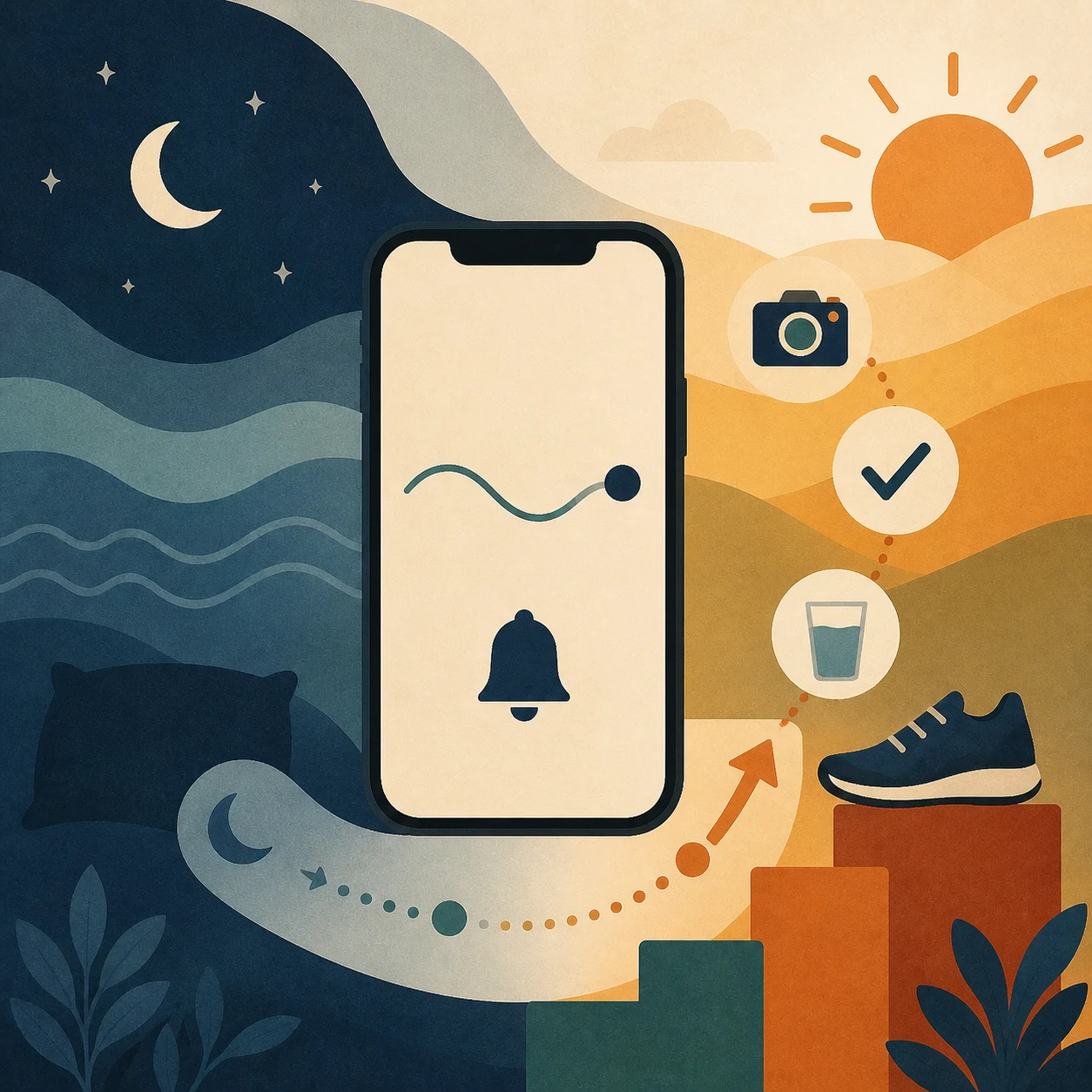
Integrating Light Sleep Wake-Up with Your Morning Routine for Maximum Impact
The most effective morning system isn't about choosing between smart alarm technology and behavioral tools—it's about integrating both to create a comprehensive solution that addresses the full wake-up challenge.
Consider how a typical morning unfolds when you rely solely on a light sleep wake-up app:
- The alarm sounds during your lightest sleep phase within the window
- You wake feeling relatively refreshed
- But you still need to make the conscious decision to get out of bed
- Without immediate structure or accountability, the temptation to linger or snooze remains
- Even if you do get up, you might drift through your morning without clear direction
Now imagine adding mission-based accountability to that optimized wake-up moment. When your alarm goes off during light sleep, you're already in a better physiological state to respond. But instead of simply tapping "stop" and hoping your willpower holds, you're required to complete a specific mission—like taking a photo of your bathroom sink or your coffee maker—to silence the alarm.
This mission-based approach serves multiple purposes. It ensures you physically leave your bed and move to another location. It creates a pattern interrupt that breaks the automatic snooze habit. And it provides that crucial bridge between waking up and fully engaging with your day.
The integration becomes even more powerful when combined with a morning routine builder. Once you're up and have completed your wake-up mission, you don't face an unstructured morning that might lead you back to bed. Instead, you have a clear sequence of habits and tasks that build momentum and reinforce your decision to stay up.
For iPhone users seeking to establish genuine morning consistency, this integrated approach addresses both the physiological challenge (waking during the right sleep stage) and the behavioral challenge (actually getting up and following through on morning intentions).
Beyond the Alarm: Building Consistent Morning Momentum with RiseFrst
While many sleep cycle apps focus exclusively on the wake-up moment, RiseFrst recognizes that successful mornings require sustained momentum from the moment your alarm sounds through the completion of your morning routine.
The app's mission-based alarms create immediate accountability that ensures you leave your bed. You can customize missions based on your home layout and what works for your specific situation—whether that's photographing your kitchen, your front door, or any other location that requires you to physically get up and move.
This approach is grounded in behavioral science: the hardest part of any habit is the initial activation energy required to begin. By requiring a mission to silence your alarm, RiseFrst eliminates the option to passively disable your alarm and drift back to sleep. You've already invested the effort to get up, making it psychologically easier to continue with your morning rather than return to bed.
Beyond the initial wake-up, the morning routine builder helps you structure those crucial first hours of your day. You can design a sequence of habits—exercise, meditation, journaling, breakfast preparation—that builds on the momentum created by successfully completing your wake-up mission. Each completed action reinforces your commitment and makes the next step easier.
The progress and streak tracking features provide ongoing motivation and tangible evidence of your consistency. Watching your streak grow creates a psychological incentive to maintain your pattern—you've invested effort in building that streak, and you don't want to break it. This gamification element taps into your natural desire for achievement and progress.
Flexible alarm setups acknowledge that not every morning requires the same approach. You can configure different alarms for weekdays versus weekends, or create specialized "focused morning" alarms for days when you have important commitments. This flexibility ensures the app adapts to your real life rather than forcing you into a rigid system that feels unsustainable.
For iPhone users who have tried light sleep wake-up apps but still struggle with consistency, RiseFrst offers the missing piece: a system that ensures you don't just wake up feeling better, but actually stay up and build the productive mornings you're working toward.
Making the Right Choice: What to Look for in a Light Sleep Wake-Up Solution
When evaluating apps to improve your morning wake-up experience, consider what you actually need to achieve your goals. If your primary challenge is simply feeling groggy upon waking, and you have no trouble getting out of bed once your alarm sounds, a basic light sleep wake-up app might be sufficient.
However, if you struggle with:
- Hitting the snooze button repeatedly
- Disabling your alarm and falling back asleep
- Getting out of bed but lacking structure for your morning
- Inconsistency in your morning routine
- Difficulty building and maintaining morning habits
Then you need more than just sleep cycle tracking. You need a comprehensive system that addresses both the wake-up moment and what happens afterward.
Consider these factors when choosing your solution:
Accountability mechanisms: Does the app ensure you actually get out of bed, or can you easily disable it and go back to sleep?
Routine building tools: Does it help you structure your entire morning, or just optimize the alarm timing?
Progress tracking: Can you see your consistency over time and build meaningful streaks that motivate continued effort?
Flexibility: Does the app adapt to different types of mornings, or does it force a one-size-fits-all approach?
Practical effectiveness: Does it address your specific morning challenges, or just provide interesting data about your sleep?
For many iPhone users, the answer lies in combining the principles of light sleep wake-up technology with robust behavioral tools. While waking during light sleep can reduce initial grogginess, sustained morning success requires missions that ensure you get up, routines that provide structure, and tracking that maintains motivation.
The goal isn't perfect sleep data—it's consistent, productive mornings that set you up for successful days. Choose tools that support that outcome, not just apps that provide interesting metrics without changing your actual behavior.
Conclusion
Waking during light sleep can genuinely improve how you feel in those first moments of consciousness, reducing grogginess and making the transition to wakefulness more comfortable. For iPhone users exploring light sleep wake-up apps, understanding the science behind this technology helps set realistic expectations about what it can and cannot accomplish.
But if you're serious about transforming your mornings and building lasting consistency, the wake-up moment is just the beginning. You need a system that ensures you not only wake up feeling better but actually get out of bed, resist the snooze button, and follow through on your morning intentions.
By combining the principles of smart wake-up timing with mission-based accountability, structured routine building, and progress tracking, you create a comprehensive solution that addresses the full spectrum of morning challenges. You're not just optimizing one moment—you're building a sustainable system for consistent, productive mornings that generate real momentum in your daily life.
The morning you want is within reach. It starts with understanding what you actually need, choosing tools that address your specific challenges, and committing to the consistency that transforms intentions into habits.
Frequently Asked Questions
How accurate are light sleep wake-up apps on iPhone?
Light sleep wake-up apps use your iPhone's accelerometer or microphone to track movement and sounds, which provides a reasonable approximation of sleep stages. However, they're not as accurate as professional sleep lab equipment. Accuracy can be affected by factors like sleeping with a partner, pets in bed, phone placement, and individual sleep patterns. They work best as general guides rather than precise medical-grade sleep tracking.
Will a light sleep wake-up app stop me from hitting snooze?
Not on its own. While waking during light sleep can reduce grogginess and make you feel more alert, it doesn't eliminate the behavioral habit of hitting snooze. Many people still choose to go back to sleep even when they wake feeling relatively refreshed. This is why mission-based alarms that require you to physically get out of bed are often more effective for breaking the snooze habit.
What's the optimal wake-up window for light sleep alarms?
Most light sleep wake-up apps use a 30-minute window before your target wake time. This provides enough flexibility to catch you during a light sleep phase without risking that you wake significantly earlier than needed. If you need to be up by 7:00 AM, the app would monitor from 6:30-7:00 AM and trigger the alarm when it detects optimal conditions within that window.
Can I use RiseFrst with other sleep tracking apps?
Yes, RiseFrst focuses on ensuring you actually get out of bed and build morning momentum through mission-based alarms and routine building. It can complement sleep tracking apps by addressing what happens after you wake up. While sleep trackers optimize when you wake, RiseFrst ensures you stay up and follow through on your morning intentions.
Do light sleep wake-up apps work for everyone?
Results vary based on individual sleep patterns, consistency in sleep schedule, and environmental factors. Some people report significant improvements in morning alertness, while others notice minimal difference. The effectiveness also depends on your specific morning challenges—if grogginess is your main issue, these apps may help. If snoozing and staying out of bed are your challenges, you need additional accountability tools beyond just optimized wake-up timing.
Ready to move beyond just waking up during light sleep and start building mornings with real momentum? Download RiseFrst today and discover how mission-based alarms combined with structured routine building can transform your morning consistency and help you finally stay out of bed.